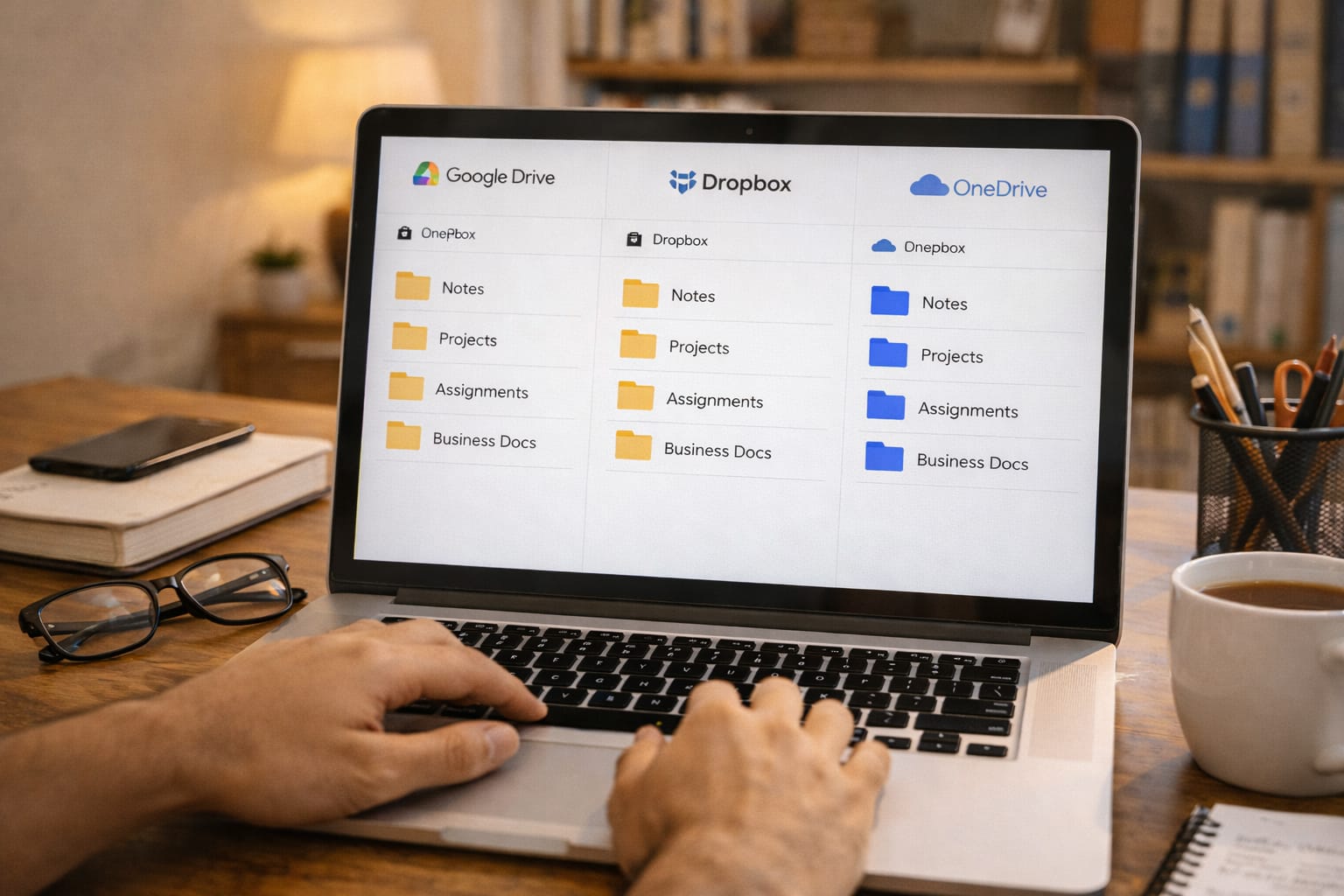
Digital storage has become essential for Indian students. Whether you are in school, college, or preparing for competitive exams, you must store notes, assignments, PDFs, projects, recordings, and presentations safely—without losing files.
Most students now rely on cloud storage instead of pendrives. But with three major options—Google Drive, Dropbox, and OneDrive—it becomes confusing to choose the best one.
This detailed comparison explains which cloud platform is best for Indian students based on storage, speed, sharing, collaboration, security, and pricing.
Why Students Need Cloud Storage in India
Students today deal with:
- Online submissions
- Assignments
- Project files
- PDF notes
- Class recordings
- Photos & documents
- Google Classroom or Teams uploads
- Resume and PPT sharing
Cloud storage helps you:
- Access files anytime
- Sync across devices
- Avoid losing notes
- Share easily with teachers/friends
- Free up phone or laptop space
Google Drive vs Dropbox vs OneDrive
| Feature | Google Drive | Dropbox | OneDrive |
| Free Storage | 15GB | 2GB | 5GB |
| Collaboration | Excellent (Docs, Sheets, Classroom) | Good | Good (MS Office) |
| Sharing | Very easy | Excellent | Very easy |
| App Speed | Medium | Fastest | Fast |
| Best For | Students and creators | Teams and file sharing | MS Word/Excel users |

1. Google Drive – Best Overall for Students in India
Google Drive is the most popular cloud storage for Indian students, especially because almost every school and college uses Google Classroom, Gmail, and Docs.
Key Features
- 15GB free storage
- Automatic mobile backup
- Integration with Docs, Sheets, Slides
- Works well with Android phones
- Easy file sharing through links
- Perfect for assignments & notes
Best For Students Who:
- Use Android phones
- Use Google Classroom
- Create online documents
- Need free storage
- Want easy sharing
Pros
- High free storage (15GB)
- Works on all devices
- Best collaboration features
- Great for PDF and photo storage
Cons
- Storage gets filled due to Gmail
- Slower upload speed than Dropbox
2. Dropbox – Best for Fast File Sync & Sharing
Dropbox is the fastest cloud storage service. Uploading and downloading is much faster compared to Google Drive and OneDrive.
Key Features
- 2GB free storage
- Extremely fast syncing
- Great for sharing 1GB–10GB files
- Works smoothly on low RAM devices
Best For Students Who:
- Share project files regularly
- Need speed
- Do freelancing or teamwork
Pros
- Fastest upload/download
- Clean interface
- Great for teamwork
Cons
- Very low free storage
- Indian students may need paid plan
3. Microsoft OneDrive – Best for Office & Windows Users
OneDrive is built into Windows laptops and works perfectly with Word, PowerPoint, and Excel.
Key Features
- 5GB free storage
- Integrated with Windows 10/11
- Auto-sync for Documents & Desktop
- Best for MS Office users
Best For Students Who:
- Use Windows laptops
- Make Word assignments
- Create PPTs in PowerPoint
Pros
- Very easy for Windows users
- Good sharing features
- Auto-backup of Desktop
Cons
- Less free storage compared to Google Drive
- Slower than Dropbox

Hands-On Example: Storing 10GB of College Notes
A B.Tech student needs to store:
- 5GB video lectures
- 3GB project files
- 2GB notes and PDFs
Storage Requirement Table
| File Type | Size | Need |
| Videos | 5GB | Fast upload/download |
| Projects | 3GB | Team sharing |
| Notes | 2GB | Easy access |
Cloud Performance Comparison
| Platform | Upload Time (10GB) | Sharing | Collaboration |
| Google Drive | Slow–Medium | Easy | Best |
| Dropbox | Fastest | Best | Good |
| OneDrive | Medium | Easy | Great for Word/PPT |
Google Drive vs Dropbox vs OneDrive – Detailed Comparison
1. Free Storage Comparison
| Cloud | Free Plan |
| Google Drive | 15GB |
| Dropbox | 2GB |
| OneDrive | 5GB |
Winner: Google Drive
2. Upload & Download Speed
Ranking (Fastest → Slowest)
- Dropbox
- OneDrive
- Google Drive
Dropbox uses advanced sync technology that works well even on slow Wi-Fi, common in Indian hostels.
3. Sharing & Collaboration
Google Drive
- Best for Docs, Sheets, Slides
- Perfect for group projects
Dropbox
- Best for large files
- Secure shared folders
OneDrive
- Best for Word, Excel, PPT collaboration
4. App Experience
Google Drive
- Works smoothly on Android
- Used widely in schools
Dropbox
- Cleanest and fastest app
OneDrive
- Best desktop integration
5. Security & Privacy
| Cloud | Encryption | Extra Notes |
| Google Drive | Strong | Google ecosystem safe |
| Dropbox | Very strong | Secure sharing options |
| OneDrive | Strong | Optional ransomware detection |

Which Cloud Storage Should Indian Students Choose?
If you want maximum free storage, choose Google Drive.
If you need the fastest uploads, choose Dropbox.
If you use Windows + MS Office daily, choose OneDrive.
For most students in India, Google Drive is the best overall option.
Pros & Cons Summary
Google Drive
Pros: 15GB free, best sharing, good for students
Cons: Uploads can be slow
Dropbox
Pros: Fastest uploads, best for teamwork
Cons: Only 2GB free
OneDrive
Pros: Great for Word & PowerPoint users
Cons: Limited free storage
Tips for Students to Use Cloud Storage Efficiently
- Use Google Drive for notes
- Use Dropbox for large file sharing
- Store PPTs on OneDrive for Windows sync
- Keep backup copies of assignments
- Create semester-wise folders
- Use file naming format: Subject_Name_Sem
Conclusion
Google Drive, Dropbox, and OneDrive each have their strengths. But for Indian students, Google Drive remains the best all-around option, especially for assignments, notes, project submissions, and sharing files.
FAQs
Q. Which is better: Google Drive or Dropbox for students?
A. Google Drive is better for students because it offers 15GB of free storage, easy file sharing, and seamless integration with Google Classroom. Dropbox is faster in syncing files but provides very limited free storage.
Q. Is OneDrive good for college students?
A. Yes. OneDrive is excellent for students who regularly use Word, Excel, and PowerPoint. It syncs smoothly with Windows laptops and automatically backs up important folders.
Q. Which cloud storage offers the most free space?
A. Google Drive offers 15GB of free storage, which is the highest among major cloud storage platforms.
Q. Can I store videos and lectures in Google Drive?
A. Yes. Google Drive supports large file uploads, making it ideal for storing online classes, lecture recordings, and semester notes.
Q. Which cloud service is the fastest in India?
A. Dropbox is generally considered the fastest for uploads and syncing, especially useful on hostel Wi-Fi or slower internet connections.