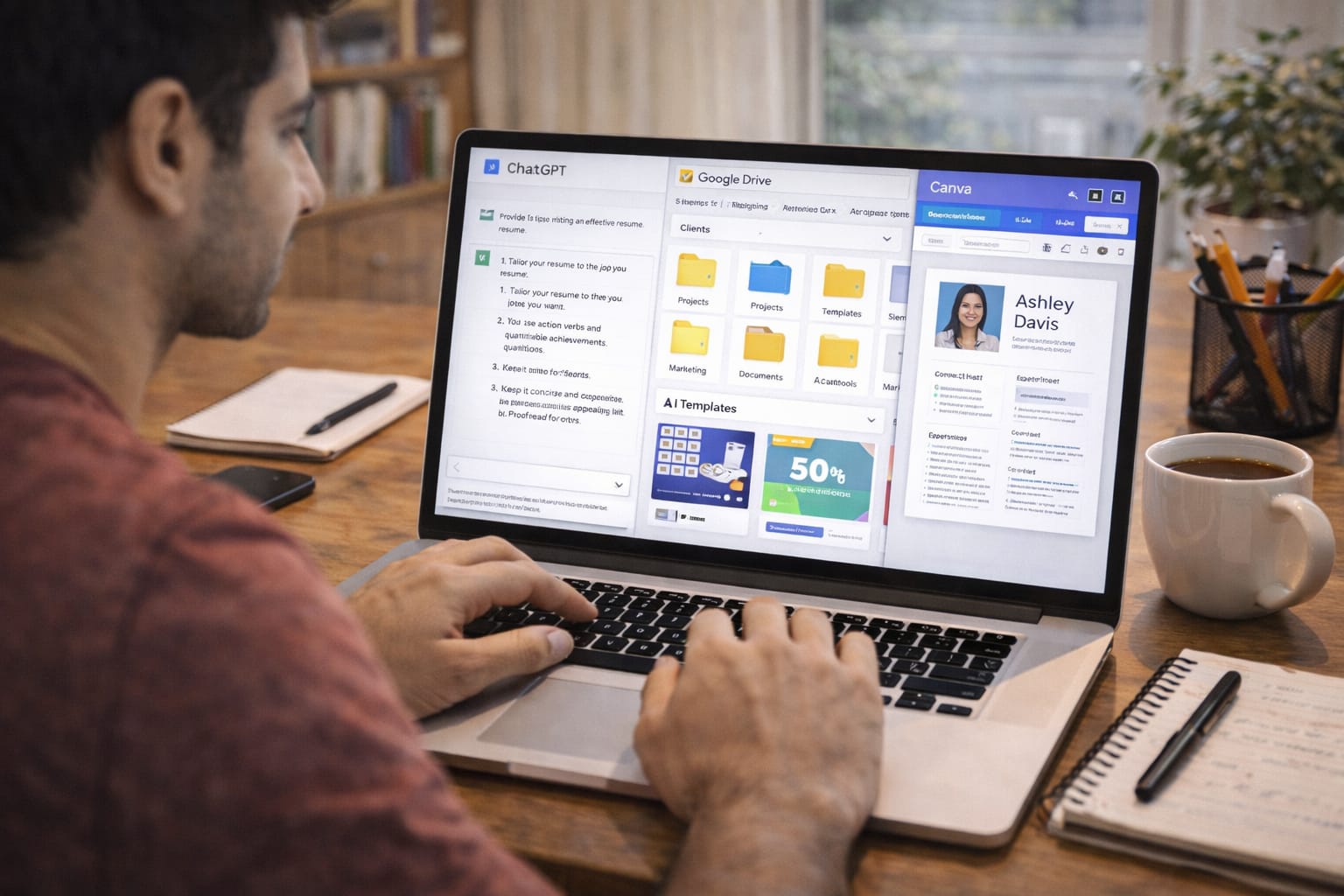
Freelancing in India has changed dramatically with the rise of AI. Today, you can use AI tools to write content, design logos, edit videos, build resumes, create presentations, manage files, and automate client workflows.
Whether you work on Fiverr, Upwork, Freelancer, or direct clients, using AI will help you deliver work faster and earn more—without hiring a team.
This guide explains the best AI tools for freelancing jobs, real Indian examples, step-by-step workflows, pricing tables, client strategies, and automation methods to scale your income.
What Are AI Tools for Freelancing Jobs?
AI tools for freelancing jobs are digital tools that help you complete client projects faster, such as writing, editing, designing, coding, automating tasks, file sharing, and project management.
These tools reduce work time by 50–80% and improve quality, helping freelancers earn more with less effort.
Why Indian Freelancers Should Use AI
- High competition on Fiverr & Upwork
- Faster delivery = more 5-star ratings
- AI gives templates, ideas, and automation
- Helps manage multiple clients
- Cuts cost of hiring designers, editors, assistants
- Great for students, part-time earners, and remote workers

Top 15 AI Tools for Freelancing Jobs
1. ChatGPT – Writing, research, coding
Best for content writing, assignments, notes, product descriptions, summaries, reports, resumes.
2. Claude AI – Long-form writing
Great for essays, eBooks, research papers, and deep client projects.
3. Google Gemini – Presentations, academic help
Useful for presentations, Google Docs, Sheets automation, and brainstorming.
4. Notion AI – Project management
Organise client work, create workspaces, share files, track tasks.
5. Canva – Design & presentations
For thumbnails, logos, posters, resumes, LinkedIn posts.
6. ElevenLabs – AI Voiceovers
Perfect for video freelancers, YouTube, ads, e-learning.
7. Pictory / InVideo – Video creation
For reels, ad videos, faceless videos.
8. CapCut – Short video editing
Fast TikTok, YouTube Shorts, Instagram Reels editing.
9. Murf / PlayHT – Indian voice AI
Great for Hindi, Tamil, Telugu, Bengali voiceovers.
10. Zapier / Make – Automation
Automate client onboarding, invoice, reminders.
11. Google Drive / Dropbox – File Sharing
Store, organise, and share client files securely.
12. Trello / ClickUp – Collaboration
Coordinate projects, teams, tasks.
13. Grammarly – Language correction
Fix grammar and clarity instantly.
14. D-ID / Synthesia – AI avatar videos
For presentation videos and corporate content.
15. Figma + AI Plugins – UI/UX
Useful for app and website design freelancers.

How to Start AI Freelancing in India
Step 1: Choose Your Freelancing Skill
Pick a skill that matches your interest:
- Content writing
- Graphic design
- Video editing
- Voiceovers
- Resume & presentation making
- Research assignments
- AI automation
- Virtual assistant tasks
Step 2: Learn 2–3 AI Tools for Your Skill
Example:
Content writer → ChatGPT + Grammarly + Notion
Designer → Canva + Midjourney (if allowed)
Video editor → CapCut + Pictory
Automation → Zapier + Google Sheets
Step 3: Improve Your Portfolio Using AI
Create:
- 5 sample articles
- 10 sample thumbnails
- 3 video edits
- 2 resumes + 2 presentations
Use Google Drive or Dropbox to store and share your portfolio with clients.
Step 4: Create Profiles on Fiverr, Upwork, & Naukri
Keep your description simple:
- What you do
- Delivery time
- Tools you use
- Experience
Step 5: Automate Your Workflow
Use AI to automate:
- Proposal writing
- Client onboarding
- File organisation
- Revision notes
- Analytics
Tools: Zapier, Notion, Google Drive, Dropbox.
Real Indian Example (Freelancer Earning Calculation)
Riya from Pune offers resume writing + PPT design using AI tools.
She charges:
| Service | Price (₹) |
| Resume | 499 |
| PPT Presentation | 799 |
| Bundle | 1,199 |
If she gets 40 orders/month:
Revenue = 1,199 × 40 = ₹47,960/month
AI reduces her work to 15–20 minutes per project. Total time = ~14 hours/month, giving her a very high hourly rate.

Hands-On Calculation (Freelancer Tool Budget)
Monthly Operational Cost Table
| Tool / Service | Monthly Cost (₹) |
| ChatGPT / Gemini Pro | 1,000 – 2,000 |
| Canva Pro | 500 – 700 |
| Google Drive / Dropbox | 150 – 800 |
| Internet & utilities | 500 |
| Total Estimated Cost | 2,200 – 4,000 |
ROI Example:
If your earnings = ₹40,000
Expenses = ₹3,000
Profit = ₹37,000/month
Top Freelancing Jobs You Can Do Using AI
1. Content Writing & Blogging
Deliver blog posts, SEO articles, and product descriptions.
2. Social Media Management
Create posts, captions, reels, schedule content.
3. Resume & Cover Letter Writing
AI generates ATS-friendly resumes instantly.
4. YouTube Automation Services
Scripts, video editing, thumbnails, posting.
5. Presentation Designing
Corporate slides, academic presentations.
6. Video Editing
AI cuts, enhances, and captions videos automatically.
7. Graphic Designing
Logo, poster, banner, Instagram content.
8. Automation & Virtual Assistance
Managing emails, CRM, calendars.
9. Research Assignments
Students, working professionals, and teachers need quick notes.
Build a Micro AI Freelancing Business
With AI, one person can manage multiple clients:
Example Team Tasks:
| Task | Tool | Automated (%) |
| Writing | ChatGPT | 80% |
| File sharing | Google Drive | 90% |
| Design | Canva | 70% |
| Video editing | Pictory | 80% |
| Project management | Trello | 60% |
This lets you run 3–5 freelance services simultaneously.
Pros & Cons of Using AI in Freelancing
Pros
- Faster delivery
- Higher earnings
- More clients
- Low cost
- Easy for beginners
Cons
- Tools require monthly fees
- Generic output if not edited
- High competition
- Clients expect fast turnaround
Expert Tips to Succeed
- Edit all AI outputs manually
- Keep your portfolio updated
- Write professional proposals
- Deliver before deadline
- Use Google Drive for client folders
- Offer 3 packages: Basic, Standard, Premium
- Keep communication soft and professional
Conclusion
AI tools have completely transformed freelancing jobs in India. Whether you’re a student, homemaker, or full-time worker, you can build a profitable freelancing business using AI tools for writing, design, automation, video production, and client management.
FAQs:
Q. Can I start freelancing with zero experience?
A. Yes. AI tools help beginners learn skills faster. You can create sample work, upload it on platforms like Fiverr or Upwork, and begin by working with small clients.
Q. Do clients accept AI-generated work?
A. Yes, as long as the work is high quality and manually refined. AI should be used as a support tool, not a complete replacement for your creativity and skills.
Q. How much can Indian freelancers earn using AI?
A. Beginners usually earn between ₹10,000 and ₹30,000 per month. Skilled freelancers can earn ₹50,000 to ₹1,50,000 per month, depending on their niche, experience, and workload.
Q. Is Fiverr good for Indian freelancers?
A. Yes. Fiverr has strong demand for services like writing, graphic design, resume creation, and video editing—many of which can be efficiently delivered using AI tools.