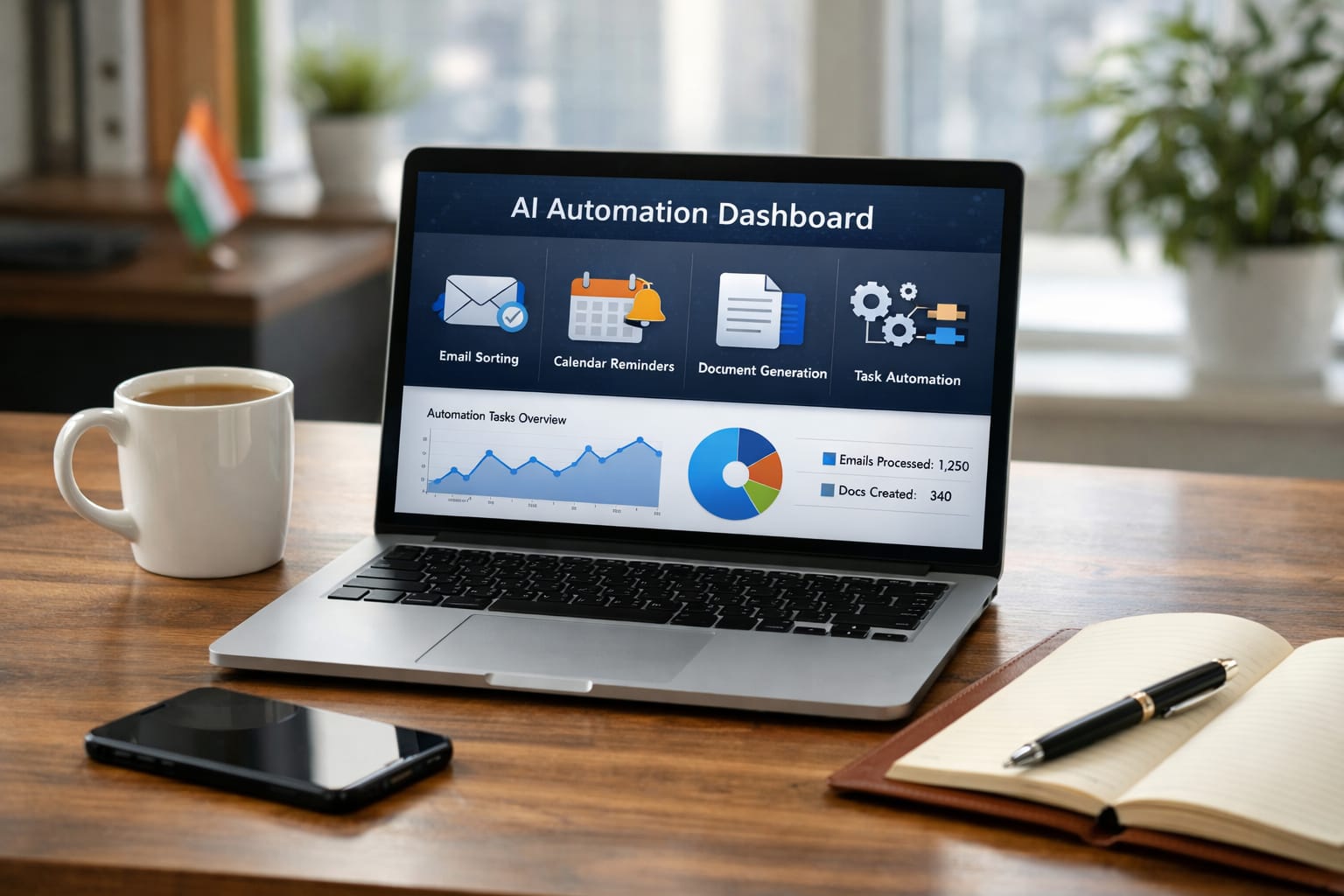
In today’s fast-paced work environment, professionals in India—students, freelancers, employees, small business owners, creators—struggle to manage daily work. Emails pile up, tasks stay unfinished, deadlines approach, meetings increase, and productivity drops.
This is where AI tools for work automation come in. These tools reduce repetitive work, automate small tasks, draft perfect emails, schedule calendars, manage files, summarise documents, create reports, and free up hours every day.
In this guide, you’ll learn exactly how you can use AI for daily work, email automation, file management, document writing, communication, and workflow optimisation.
What Is AI Work Automation?
AI work automation means using software tools to handle repetitive tasks such as emails, scheduling, data entry, document creation, or responses automatically—saving your time and improving accuracy.
It helps you automate:
- Emails & replies
- Meetings & scheduling
- Content creation
- Data entry & spreadsheets
- Reporting
- File organisation
- Customer responses
- Daily reminders
This is now common in Indian offices, startups, and freelancing work.
Why AI Automation Is Becoming Essential in India
- Remote work increasing
- Too many emails and meetings
- Faster client communication needed
- Work-from-home professionals need structure
- Freelancers want to save time
- Students want better productivity
AI allows you to finish 4 hours of work in 30 minutes.
Best AI Tools for Work Automation
Below is the most practical, real-world list for Indian professionals.
1. ChatGPT – Best All-In-One AI Assistant
ChatGPT can automate writing, emails, reports, explanations, and task lists instantly.
Best For:
- Email drafting
- Report writing
- Summaries
- Daily tasks
- Customer replies
Example Prompts:
- “Reply to this email politely and professionally.”
- “Create my daily task plan for 6 hours of work.”
- “Summarise this PDF in 15 bullet points.”
2. Notion AI – Best for Task, Notes & Workflow Automation
Notion AI automates your work notes, project plans, meeting summaries, and documentation.
Best For:
- Daily scheduling
- Project management
- Meeting summaries
- Task organisation
- Team collaboration
Great for students & freelancers.
3. Zapier – Best for Automated Workflows
Zapier connects your apps and automates tasks across tools.
Examples of Automation:
- Send email alerts
- Auto-save attachments to Google Drive
- Convert Google Forms to spreadsheets
- Auto-post updates on social media
Perfect for small businesses.
4. Grammarly – Best for Email Quality & Communication
Grammarly improves tone, correctness, clarity, and professionalism.
Best For:
- Business emails
- Sales emails
- Corporate writing
- Customer communication
5. Microsoft Copilot – Best for Office Work Automation
Works inside Word, Excel, PowerPoint, Outlook.
Helps With:
- Automated Excel reports
- Summary of long documents
- PPT creation
- Email drafts
- Data analysis
Ideal for office employees.
6. Google Gemini – Best for Gmail & Workspace Automation
Gemini integrates tightly with Google Workspace.
Best For:
- Gmail replies
- Document summaries
- Writing tasks
- Calendar scheduling
- File suggestions
Very useful for students & startups.
7. HoppyCopy – Best for Marketing Email Automation
It generates newsletters, campaigns, follow-up emails, and sales messages in minutes.
Used By:
- Freelancers
- Social media managers
- E-commerce sellers
8. Tidio / Intercom – Best for Customer Chat Automation
These AI tools handle customer queries instantly.
Best For:
- E-commerce
- Coaching businesses
- Freelancers managing clients
- WhatsApp customer support
9. Otter.ai – Best for Meeting Notes & Transcription
Otter automates meeting summaries, transcripts, and action points.
Useful For:
- Office teams
- College group projects
- Sales meetings
- Zoom discussions
10. Trello + AI Tools – Best for Workflow Automation
Trello boards + AI power help teams run automatically.
Use Cases:
- Task assignment
- Status updates
- Workflow tracking
- Automated reminders

How AI Can Automate Your Emails
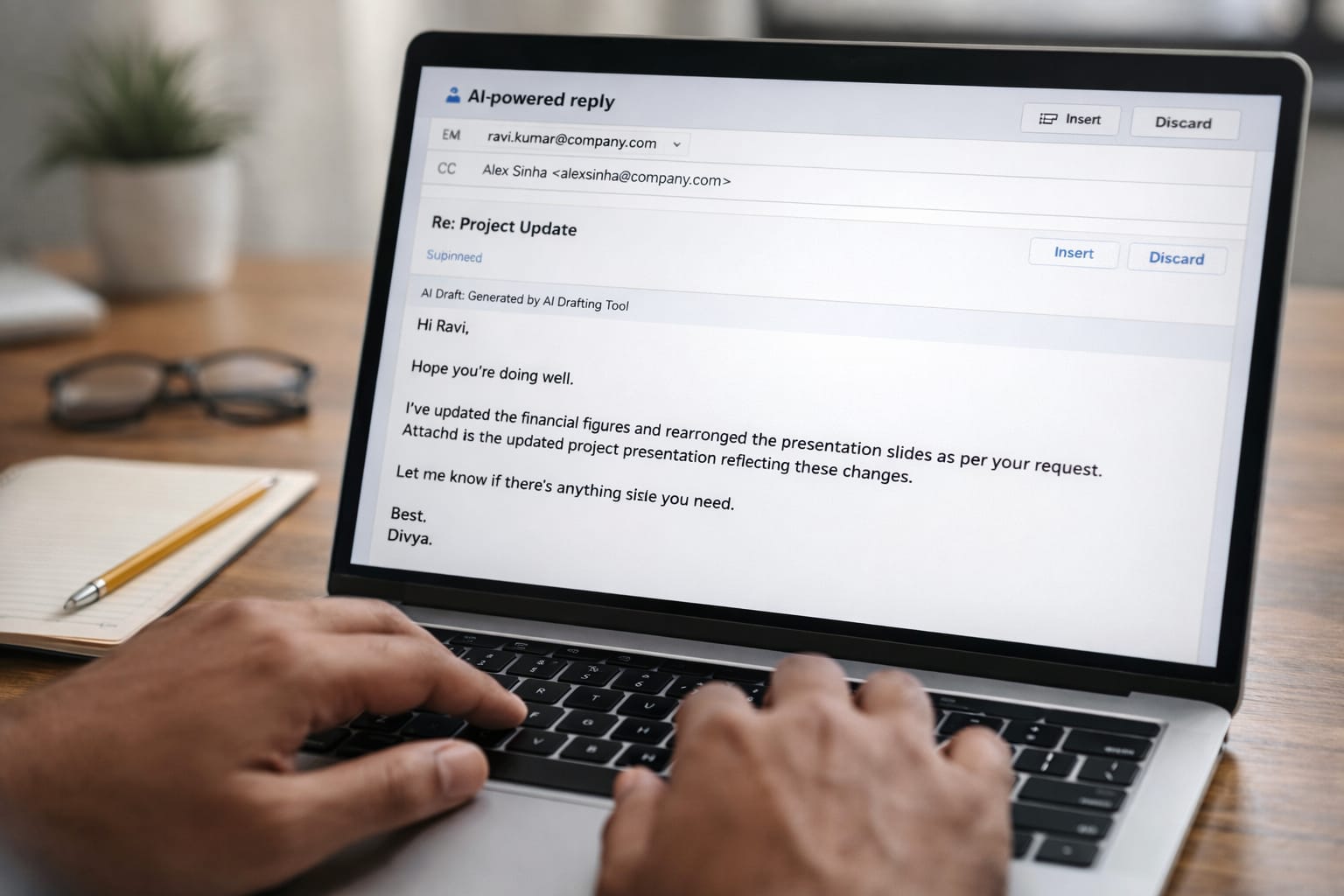
Email takes 1–2 hours daily for most professionals. AI reduces it to 10–15 minutes.
1. Auto-Drafting Replies
AI understands the tone and writes:
- Formal replies
- Polite responses
- Follow-ups
- Customer support replies
2. Email Sorting & Prioritisation
AI tools can:
- Highlight urgent emails
- Categorise into folders
- Extract important information
3. Gmail Automation (Filters + AI)
You can set:
- Auto-archive
- Auto-forward
- Auto-label
- Auto-star
Combined with AI = full automation.
How AI Saves Your Time: Real Work Example
A digital marketer in India spends:
- 90 minutes/day replying to emails
- 40 minutes/day writing content
- 30 minutes/day organising files
- 30 minutes/day planning tasks
Using AI automation, this reduces to 60 minutes/day.
Time Saving Table
| Task | Manual Time | AI Time | Time Saved |
| Email replies | 90 min | 15 min | 75 min |
| Content writing | 40 min | 10 min | 30 min |
| File organisation | 30 min | 5 min | 25 min |
| Task planning | 30 min | 5 min | 25 min |
| Total | 3 hrs 10 min | 35 min | 2 hrs 35 min saved |
This reflects real Indian professionals using AI daily.
How Students Can Use AI Work Automation
- Manage study schedules
- Prepare assignments
- Auto-organise files in Google Drive
- Generate PPTs
- Auto-write emails to teachers
- Plan weekly study
How Freelancers Can Use AI Automation
- Auto-reply to clients
- Make deliverables faster
- Auto-generate invoices
- Use AI for content creation
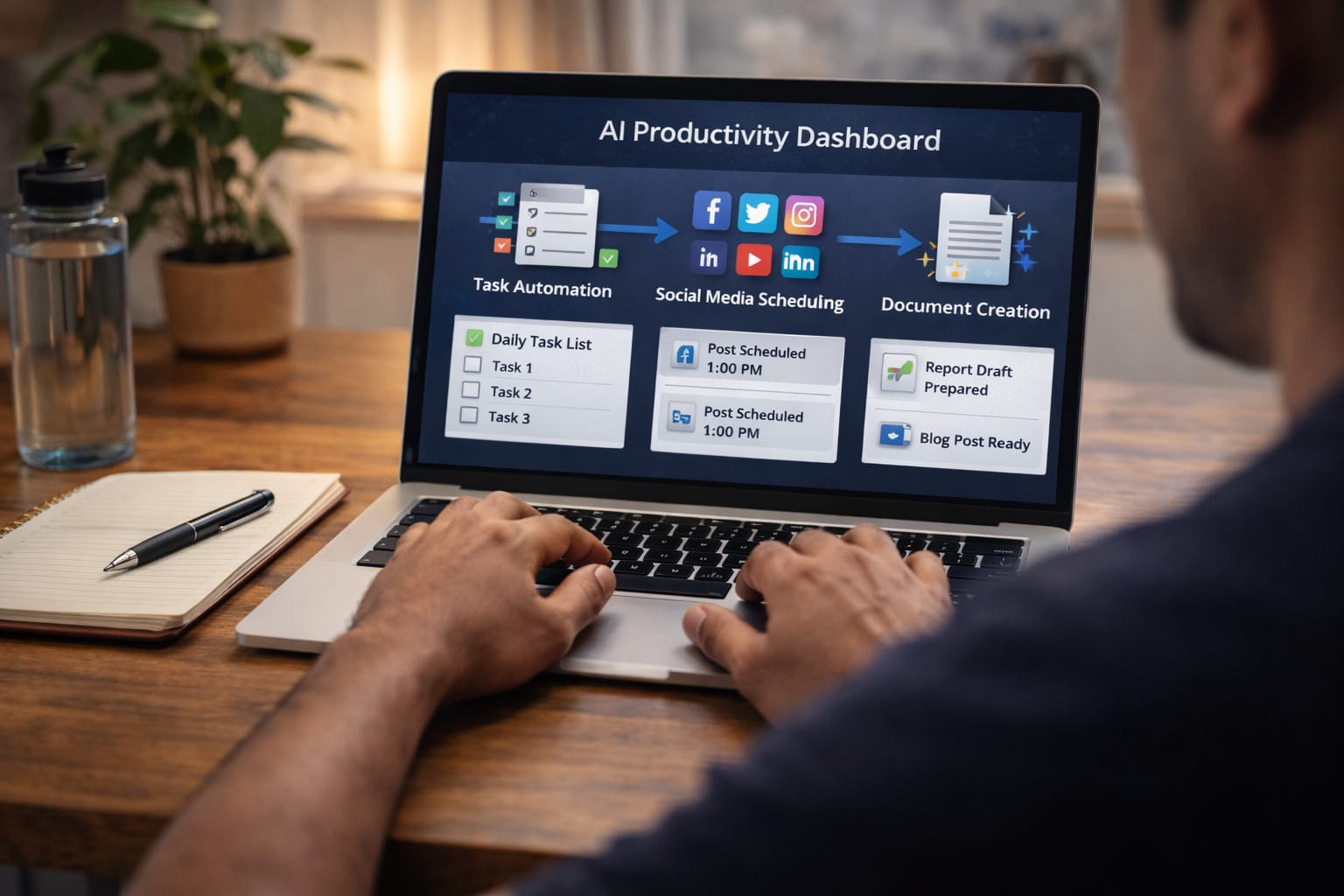
- Schedule social media posts
Pros & Cons of AI Tools for Work Automation
Pros
- Saves massive time
- Reduces stress
- Improves accuracy
- Handles boring repetitive tasks
- Helps multitask
- Makes you more productive
Cons
- Must verify important content
- Over-dependence risk
- Paid plans may be needed
- Not ideal for confidential information
Tips for Using AI Automation Effectively
- Start with 1–2 tools only
- Automate the smallest tasks first
- Keep your prompts simple
- Always review AI-generated content
- Use a combination of ChatGPT + Zapier + Notion
- Schedule your tasks every morning
Conclusion
AI work automation is no longer optional—it is necessary. Whether you’re a student, employee, freelancer, or small business owner, AI tools can help you finish your work faster, stay organised, and reduce stress.
FAQs
Q. Can students also use AI automation tools?
A. Yes. Students can automate assignments, note-making, emails, project files, presentations, reminders, and study planning, making learning more efficient and organised.
Q. Is AI automation useful for freelancers?
A. Absolutely. Freelancers can use AI to automate client communication, content creation, invoices, reminders, social media posts, follow-ups, and reporting, allowing them to focus more on paid work.
Q. How can AI save time in daily work?
A. AI automates repetitive tasks such as email replies, file organisation, document summarisation, PPT creation, content writing, and meeting scheduling, helping save 2–3 hours every day.
Q. Can AI reply to my emails automatically?
A. Yes. Tools like ChatGPT, Google Gemini, and Gmail Smart Reply can draft and reply to emails automatically based on your preferred tone and instructions.
Q. What are the best AI tools for work automation?
A. Some of the best AI tools for work automation include ChatGPT, Zapier, Google Gemini, Notion AI, Microsoft Copilot, and Trello. These tools help automate emails, tasks, workflows, and document handling.