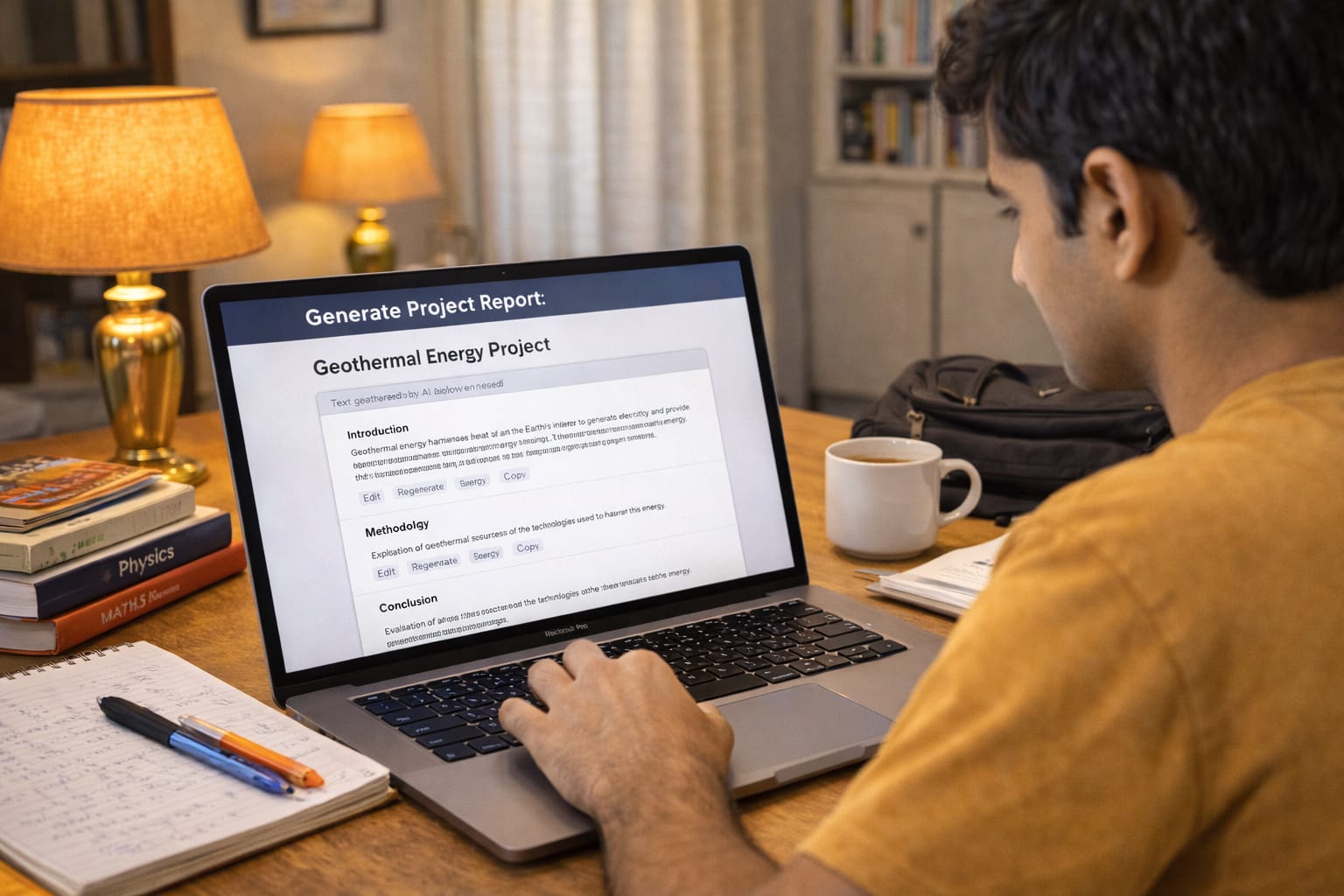
College projects are an important part of academics in India. Whether you are in engineering, commerce, management, B.Sc, BCA, BBA, nursing, or arts, you must submit project reports and PowerPoint presentations almost every semester.
However, writing a clean report, preparing a structured PPT, adding charts, citations, and designing slides takes hours. Many students spend days on tasks that AI can now complete in minutes.
This guide explains the best AI tools for project report creation, PPT making, real examples, step-by-step usage, pros, cons, tips, and FAQs. Everything is explained in simple Indian English.
What Are AI Tools for Project Report Creation?
AI tools for project reports help students generate written content, structure chapters, design PPT slides, create charts, summarise research, and format files.
They save time and improve the overall quality of academic submissions.
These tools help with:
- Report writing
- PPT design
- Abstract & introduction
- Chapter summaries
- Data tables
- Citations
- Diagrams & flowcharts
- Google Docs & Word formatting
Perfect for college students in India.
Why Students Use AI Tools for Project Reports in India
- Tight deadlines
- Multiple submissions in the same week
- Difficult topics
- Lack of formatting knowledge
- Need for clear and simple language
- Requirement for neat PPTs
AI gives students structured, clean, ready-to-submit content.

Best AI Tools for Project Report Creation & PPT Making (2025 Edition)
Below is the well-researched list of tools chosen for Indian college students.
1. ChatGPT – Best Overall for Project Reports
ChatGPT can generate complete project reports from scratch.
Best For:
- Abstract
- Objectives
- Literature review
- Methodology
- Data explanation
- Conclusion writing
Why It’s Useful:
It writes in simple Indian English, perfect for BBA, BCA, engineering, and B.Com projects.
2. Gemini (Google AI) – Best for Google Docs Formatting
Gemini works brilliantly with Google Docs and Google Drive.
Best For:
- Project content creation
- Page formatting
- Adding references
- Exporting as PDF
Bonus:
You can collaborate with group members easily.
3. Canva – Best for PPT Creation (Visual Projects)
Canva is the most popular tool for high-quality presentations.
Best For:
- Cover page
- Charts
- Infographics
- Project PPTs
- Seminar presentations
Why Students Prefer It:
Drag-and-drop simplicity + AI suggestions.
4. Gamma App – Best for AI-Generated PPTs
Gamma creates instant presentations from text.
Best For:
- Professional PPTs
- Minimalist designs
- Business-style formats
Great for BBA, MBA, and commerce students.
5. Notion AI – Best for Structured Reports
Ideal for organising projects chapter-wise.
Best For:
- Project planning
- Draft writing
- Collaborative editing
Helps keep everything organised.
6. Typeset.io – Best for Research-Based Projects
Perfect for B.Sc, M.Sc, B.Tech, and postgraduate students.
Features:
- Citation generator
- Reference management
- Formatting templates
7. SlidesAI – Best for Fast PPT Conversion
Turns your project report into a Google Slides presentation instantly.
Best For:
- Quick seminar presentations
- Minimal editing PPTs
- Simple college presentations
8. Mendeley + Zotero (AI Research Tools)
These tools help students create bibliographies and research references.
Best For:
- Research-heavy projects
- Lab reports
- Final year dissertations
9. ChatPDF – Best for Understanding PDFs & Journals
Upload any research paper and ask questions.
Best For:
- Literature review
- Topic understanding
- Extracting notes
10. Microsoft Copilot – Best for Word Document Reports
Helps format reports inside MS Word.
Best For:
- Assignments
- Reports
- Cover pages

Hands-On Example: Creating a B.Com Project Report Using AI (Real Case)
Rohit, a 2nd-year B.Com student, had to submit a 25-page project on Digital Marketing within 1 day.
Steps He Used With AI:
- Generated the structure using ChatGPT
- Wrote each chapter using prompts
- Copied content into Google Docs
- Used Gemini to simplify language
- Used Canva for the PPT
- Exported final PDF to Drive
Total Time Taken:
AI time: 2 hours
Manual time (without AI): 6–8 hours
Time Savings Table
| Task | Manual Time | AI Time | Time Saved |
| Structure creation | 1 hour | 5 min | 55 min |
| Chapter writing | 3 hours | 30 min | 2.5 hours |
| Formatting | 1 hour | 10 min | 50 min |
| PPT creation | 2 hours | 30 min | 1.5 hours |
| Total | 7 hours | 1 hr 15 min | 5+ hours saved |
This is a realistic use case from Indian colleges.
Comparison Table: Best Tools for Project Reports & PPTs
| Tool | Best For | Output Quality | Free Version | Ideal For |
| ChatGPT | Report writing | ⭐⭐⭐⭐⭐ | Yes | All courses |
| Gemini | Google Docs reports | ⭐⭐⭐⭐ | Yes | Students using Drive |
| Canva | PPT design | ⭐⭐⭐⭐⭐ | Yes | Visual projects |
| Gamma | Instant PPTs | ⭐⭐⭐⭐ | Limited | BBA/MBA |
| Notion AI | Structured writing | ⭐⭐⭐⭐ | Partial | Projects with teamwork |
| ChatPDF | Research notes | ⭐⭐⭐⭐⭐ | Yes | Research-based courses |
| SlidesAI | Quick PPTs | ⭐⭐⭐⭐ | Limited | Seminars |

Pros & Cons of Using AI for Project Reports
Pros
- Saves hours of writing time
- Helps with formatting
- Easy to understand explanations
- Great for PPT design
- Works for all subjects
Cons
- You must manually verify accuracy
- Some diagrams must be added manually
- Free versions have limitations
- Internet required
Tips for Perfect AI-Generated Project Reports
- Rewrite AI content in your own tone
- Add charts, tables, and diagrams manually
- Use simple English if your college requires it
- Keep chapters short and clean
- Use Canva for a professional cover page
- Save everything on Google Drive
Conclusion
AI tools have become essential for college project reports and PPT creation in India. They save time, improve quality, and help you submit professional-level projects without stress.
Start with ChatGPT + Gemini + Canva, and you can complete any project—B.Com, B.Sc, BBA, MBA, Engineering, Nursing, or BCA—within a few hours.
FAQs
Q. How can I create a full project report using AI?
A. A simple workflow is:
Create content using ChatGPT
Edit and refine it in Google Docs
Format and polish using Gemini
Create a PPT with Canva or SlidesAI
Save and submit the final PDF via Google Drive
Q. Can AI create citations and references?
A. Yes. Tools such as Zotero, Mendeley, and Typeset can automatically generate citations in formats like APA, MLA, and IEEE.
Q. Is using AI for project reports allowed?
A. Yes. AI tools can be used for research, drafting, and formatting. However, you should always review and edit the content to ensure the final submission reflects your own understanding and meets academic guidelines.
Q. Which AI tool is best for project report creation?
A. ChatGPT is one of the best tools for project report creation because it can generate complete chapters, summaries, and well-structured content. It works well for engineering, commerce, management, science, and arts subjects.
Q. Can AI make PPT presentations?
A. Yes. Tools like Canva, SlidesAI, and Gamma can create fully designed PowerPoint presentations from your text within minutes.