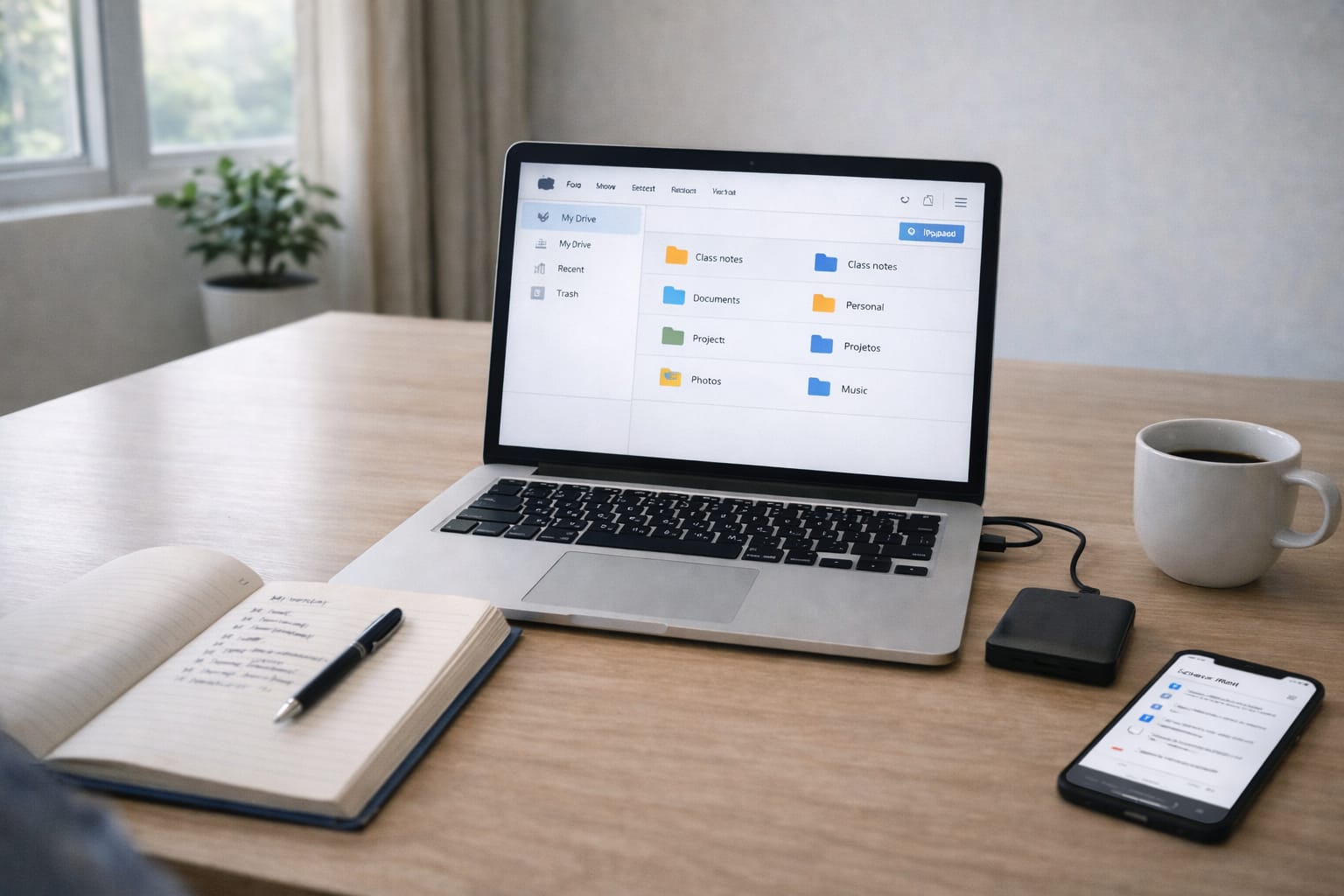
In 2025, cloud storage is no longer optional. Whether you’re a student submitting assignments, a freelancer delivering client files, or a business running remote teams—reliable cloud tools help you store, share, back up, and collaborate without losing data.
This complete guide explains the best cloud tools for storage and sharing, covering pricing, real Indian use cases, security, backup options, collaboration features, and which platform is right for personal, office, or micro-business needs.
The best cloud tools for storage and sharing in 2025 are Google Drive, Dropbox, OneDrive, iCloud, and Mega. Google Drive is best for students and collaboration, Dropbox for professionals, OneDrive for Windows users, and iCloud for Apple users. Pricing in India starts from ₹130–₹200/month.
Why Cloud Storage Matters in 2025
Digital usage in India has increased due to:
- Online classes & assignments
- Remote and hybrid office work
- Growing freelancing and micro-businesses
- Large file sharing (PPTs, videos, ZIP files)
- Data security and backup protection
- Smartphone storage limitations
Cloud tools help users:
- Store files safely without losing data
- Access documents across devices
- Share large files instantly
- Collaborate in real time
- Automate backups for peace of mind
No more USB drives, lost notes, or corrupted hard disks.

Best Cloud Tools for Storage and Sharing
1. Google Drive – Best Overall for Students & Teams
Why it’s the most popular:
- 15 GB free storage
- Integrates with Docs, Sheets, Classroom, Gmail
- Real-time collaboration
- Easy file sharing using links
Ideal for:
- Students submitting notes & assignments
- Teachers sharing study material
- Freelancers sending client deliverables
- Small teams using Google Workspace
Pricing in India:
| Plan | Storage | Price (₹/month) |
| Basic | 100 GB | ₹130 |
| Standard | 200 GB | ₹210 |
| Premium | 2 TB | ₹650 |
Pros:
- Best collaboration features
- Easy sharing & permissions
- Works on Android, Windows, iOS
Cons:
- Shared storage across Gmail & Photos
2. Dropbox – Best for Professionals & Large File Sharing
Key strengths:
- Fast sync speed
- Smart file versioning
- Advanced collaboration
- Supports large file transfers
Perfect for:
- Designers sharing heavy media
- Freelancers with multiple clients
- Remote teams needing secure workflow
Pricing:
| Plan | Storage | Price (approx) |
| Plus | 2 TB | ₹750–₹900/month |
| Professional | 3 TB | ₹1,200+/month |
Pros:
- Reliable syncing
- File recovery & history
- Strong security
Cons:
- Limited free storage (2 GB)
3. Microsoft OneDrive – Best for Office & Windows Users
Why it stands out:
- Integrated with MS Office (Word, Excel, PowerPoint)
- Works seamlessly on Windows 10/11
- Great for office and corporate use
Best for:
- Employees using MS Office
- Students making PPTs & reports
- Companies using Teams & SharePoint
Pricing (India):
| Plan | Storage | Price |
| Standalone | 100 GB | ₹140/month |
| Microsoft 365 Personal | 1 TB | ₹489/month |
| 365 Family | 6 TB | ₹619/month |
Pros:
- Excellent for document editing
- Built-in ransomware protection
Cons:
- Sync issues on non-Windows devices
4. Apple iCloud – Best for iPhone & Mac Users
Features:
- Auto backup for photos & files
- Works across iPhone, iPad, Mac
- End-to-end encryption
Pricing (India):
| Storage | Price (₹/month) |
| 50 GB | ₹75 |
| 200 GB | ₹219 |
| 2 TB | ₹749 |
Pros:
- Smooth Apple ecosystem
- Hassle-free backups
Cons:
- Limited sharing options for non-Apple users
5. Mega – Best Free Cloud Storage
Why users like it:
- 20 GB free storage
- End-to-end encryption
- Secure file sharing
Best for:
- Students needing free storage
- Privacy-focused users
- Backup of notes & documents
Cons:
- Slower upload speed at times
6. pCloud – Best One-Time Payment Cloud Storage
Unique advantage:
- Lifetime storage with one-time purchase
Works well for:
- Freelancers
- Long-term storage users
- Micro-business backups
Pricing (one-time):
| Plan | Storage | Cost |
| Premium | 500 GB | ~$199 |
| Premium Plus | 2 TB | ~$399 |
Pros:
- No monthly fees
- Media streaming support
Cons:
- No built-in office collaboration

Best Cloud Storage for Personal Use
| User Type | Best Option | Why |
| Students | Google Drive | Free, easy sharing, Docs support |
| iPhone users | iCloud | Auto backup, affordable |
| Android users | Drive | Built-in & convenient |
| Privacy focused | Mega | End-to-end encryption |
| Budget buyers | OneDrive 100 GB | Cheapest monthly plan |
Best Cloud Storage for Business Use
| Platform | Best For | Key Features |
| Google Workspace | SMEs & remote teams | Shared Drives, Docs, Meet |
| Microsoft 365 | Corporate offices | Teams, SharePoint, Office apps |
| Dropbox Business | Creative agencies | Versioning, large file transfer |
| pCloud Business | Long-term storage | One-time lifetime pricing |
What to Check Before Choosing a Cloud Tool
1. Storage vs price
Calculate:
Monthly cost ÷ Storage = Value per GB
2. Security features
Look for:
- End-to-end encryption
- Two-factor authentication
- Ransomware protection
3. Collaboration needs
If working in teams, prioritize:
- Shared folders
- Real-time editing
- Permission control
4. Backup automation
Must support:
- Auto sync
- File recovery
- Version history
How Cloud Storage Improves Productivity
For Students:
- Share assignments & notes
- Auto-backup to avoid data loss
- Group projects using Drive/Dropbox
For Freelancers:
- Deliver files professionally
- Store client revisions
- Automate workflows using Zapier + Drive
For Micro-Businesses:
- Centralized storage
- Secure document access
- Remote employee collaboration

Pros & Cons of Cloud Storage Tools
Advantages
- Access anywhere
- Zero physical storage risk
- Easy backups
- Real-time collaboration
- Scalable for personal to business use
Limitations
- Internet dependency
- Subscription cost for high storage
- Free plans have limited control
- Data privacy depends on provider policies
Conclusion:
Choose based on your use case:
Google Drive or iCloud: For Windows & office productivity:
OneDrive with Microsoft 365: For professional collaboration:
Dropbox: For long-term, one-time cost:
pCloud: For free storage with privacy:
FAQs
Q. What is the best cloud storage in India?
A. Google Drive is the best option for most users because it offers 15 GB of free storage, easy file sharing, and strong collaboration features. OneDrive works best for Windows users, iCloud is ideal for Apple users, and Dropbox suits professional file management needs.
Q. What is the cheapest cloud storage option in India?
A. The most affordable cloud storage plan in India is iCloud 50 GB at ₹75 per month, followed by Google One 100 GB at ₹130 per month and OneDrive 100 GB at ₹140 per month.
Q. What is the best cloud storage for personal use?
A. For personal use, Google Drive and iCloud are the most convenient options. Students and Android users generally prefer Google Drive, while iPhone and Mac users benefit from seamless iCloud backups.
Q. What is the best cloud storage for business use?
A. Google Workspace is well suited for small businesses and remote teams, Microsoft 365 is ideal for corporate environments, and Dropbox Business works well for creative agencies handling large files.
Q. Is cloud storage safe to use in India?
A. Yes. Major cloud storage platforms offer encryption and strong security protections. Users should enable two-factor authentication (2FA) and avoid sharing sensitive data without proper access controls.