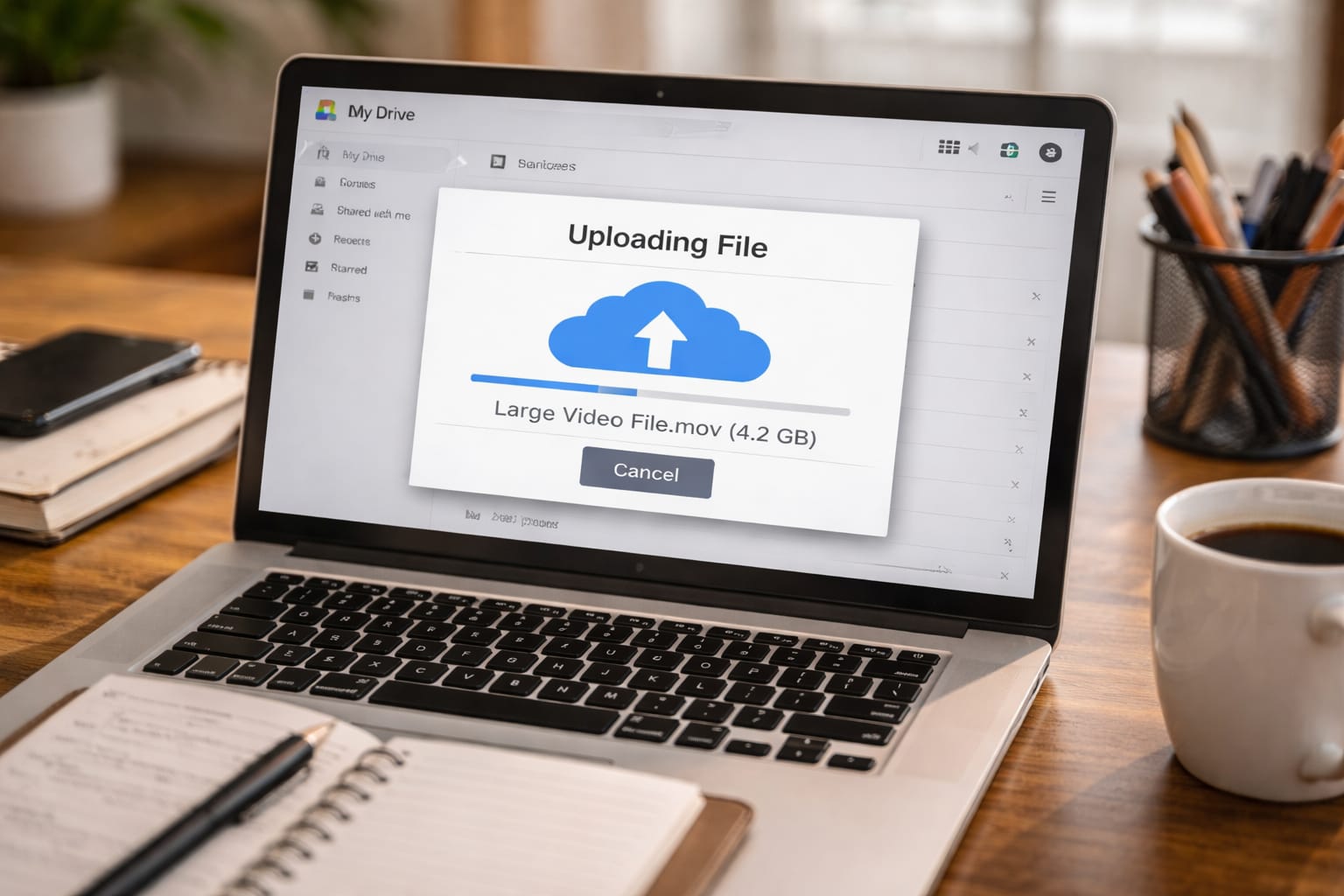
Sharing large files—videos, project folders, presentations, assignments, RAW images, app builds, or ZIP files—has become an everyday need for students, freelancers, and small businesses in India. But normal email services allow only 25MB attachments, which is too small for 1GB–10GB files.
So how do you send large files safely, quickly, and completely free?
In this guide, you’ll learn the best free methods to send large files online in India, using platforms like Google Drive, WeTransfer, Dropbox, SendAnywhere, and more—explained step-by-step in easy Indian English.
Why Sending Large Files Online Is Difficult
Most email services have file size limits:
| Platform | File Size Limit |
| Gmail | 25MB |
| Outlook | 20MB |
| Yahoo | 25MB |
| 100MB | |
| Telegram | 2GB |
This means files above 100MB require cloud storage or file-transfer services.

Best Ways to Send 1GB–10GB Files Online Free in India
Below are the most reliable, secure, and truly free methods.
1. Google Drive (Best Overall for Free File Sharing)
Google Drive is the most trusted and widely used tool for large file sharing.
Free Storage: 15GB
Max Upload Size: Up to 5TB (if available)
How to Send Large Files Using Google Drive
- Open drive.google.com
- Click New → File Upload
- Upload your 1GB–10GB file
- Right-click → Get Link
- Change access to: Anyone with link → Viewer
- Share the link on WhatsApp, email, or SMS
Why It’s Best
- Fast upload
- Easy sharing
- Secure Google servers
- Works well for PDFs, ZIPs, videos, PPTs, college projects
2. WeTransfer (Best for Fast Temporary Transfers)
WeTransfer is the easiest tool for quick file sharing without login.
Free Limit: 2GB per transfer
Why People Love It
- No signup needed
- Upload → Get link → Send
- Perfect for freelancers sending design/video files
How to Use WeTransfer
- Visit wetransfer.com
- Click Upload Files
- Add email or get transfer link
- Share the link
It automatically deletes the file after a few days for privacy.
3. Dropbox (Great for Business Teams & Students)
Dropbox is similar to Google Drive but simpler for sharing multiple folders.
Free Storage: 2GB
Max File Upload (via app): Unlimited
Best For
- Team projects
- Client work
- Shared folders
4. SendAnywhere (Best for Phone-to-Phone Sharing)
Great for mobile users sharing large videos or app files.
Free Limit: 10GB via link
Features
- Six-digit code transfer
- Link sharing
- Android + iOS
Perfect for students sharing project videos.
5. OneDrive (Best for Windows Users)
Integrated with Windows, easy for office files.
Free Storage: 5GB
Best For
- Word docs
- Excel sheets
- Office presentations
6. Mega Cloud (Best for Free Storage Lovers)
Mega gives 20GB free cloud storage.
Why It’s Good
- High-speed transfer
- Encrypted sharing
- Useful for media files
7. FileMail (Send Files Up to 5GB Free)
Designed for sending big files without login.
Free Limit: 5GB
Why It Works
- No signup
- Fast uploads
- Direct download link
8. Terashare (Peer-to-peer transfers)
Great for huge files (10GB–100GB) because it uses torrent-style connections.
Best For
Developers, gamers, video editors.
Which Method Should You Use?
- Students: Google Drive
- Freelancers: WeTransfer
- Small Teams: Dropbox / OneDrive
- Mobile Users: SendAnywhere
- Very Large Files: Terashare

Hands-on Example: Sending a 5GB Project Folder Using Google Drive
A student needs to send a 5GB project folder to a teacher.
Steps
- Compress folder with ZIP
- Upload ZIP to Google Drive
- Change access to Anyone with link
- Share link on WhatsApp
Time Table: Realistic Upload Time in India
| Internet Speed | Upload Time for 5GB |
| 10 Mbps | 1 hr 10 min |
| 20 Mbps | 35 min |
| 50 Mbps | 15 min |
| 100 Mbps | 7–8 min |
This reflects common Indian broadband conditions.

Comparison Table: Best Free File-Sharing Platforms
| Platform | Free Limit | Max File Size | Needs Signup? | Best For |
| Google Drive | 15GB | 5TB | Yes | Students, professionals |
| WeTransfer | 2GB | 2GB | No | Freelancers |
| Dropbox | 2GB | Unlimited (app) | Yes | Teams |
| SendAnywhere | 10GB | 10GB | No | Mobile transfers |
| OneDrive | 5GB | 250GB | Yes | Office users |
| Mega | 20GB | 20GB | Yes | Media storage |
| FileMail | 5GB | 5GB | No | Quick transfers |
Pros & Cons of Each Method
Google Drive
Pros: Free 15GB, easy to use
Cons: Slow upload on weak networks
WeTransfer
Pros: No login, very fast
Cons: Only 2GB free
Dropbox
Pros: Great for teams
Cons: Only 2GB free
SendAnywhere
Pros: Phone-friendly
Cons: Speed varies
Mega
Pros: 20GB free
Cons: Slower than Drive sometimes
Tips to Send Large Files Faster in India
- Compress files using ZIP/7z
- Upload at night (faster network)
- Use the desktop app (Drive/Dropbox)
- Avoid mobile data if possible
- Split huge files into parts using WinRAR
Conclusion
Sending 1GB–10GB files online is now easy for students, freelancers, businesses, and creators in India. With tools like Google Drive, WeTransfer, SendAnywhere, and FileMail, you can securely upload large files and share links instantly.
FAQs
Q. How can I send a 5GB file for free in India?
A. You can use Google Drive (15GB free storage) or FileMail (5GB free). Simply upload the file, generate a shareable link, and send it via WhatsApp or email. Both options are safe and free.
Q. What is the easiest way to send a 1GB file?
A. WeTransfer is the easiest option. No login is required—just upload the file and share the download link.
Q. How can I send large videos from my mobile phone?
A. You can use Send Anywhere or Google Drive. Both support large video uploads and allow easy link-based sharing from mobile devices.
Q. Is Google Drive safe for file sharing?
A. Yes. Google Drive uses encryption and access controls. When sharing files, it’s best to set permissions to “Viewer” to prevent unwanted edits.
Q. Can I send 10GB files online for free?
A. Yes. You can use Terashare (no file size limit) or Google Drive, provided you have enough available storage space.